
Resources / Plugins / Blender
twirl Connect for Blender
Install the add-on, sign in once from Preferences, then import materials from twirl.tools while Blender stays open.
Setup
Blender 3.6 or newer. You need a twirl account and an internet connection.
- 1
Download the add-on
Download twirl_connect.zip using the button above. Keep the file somewhere easy to find, such as your Downloads folder.
- 2
Install in Blender
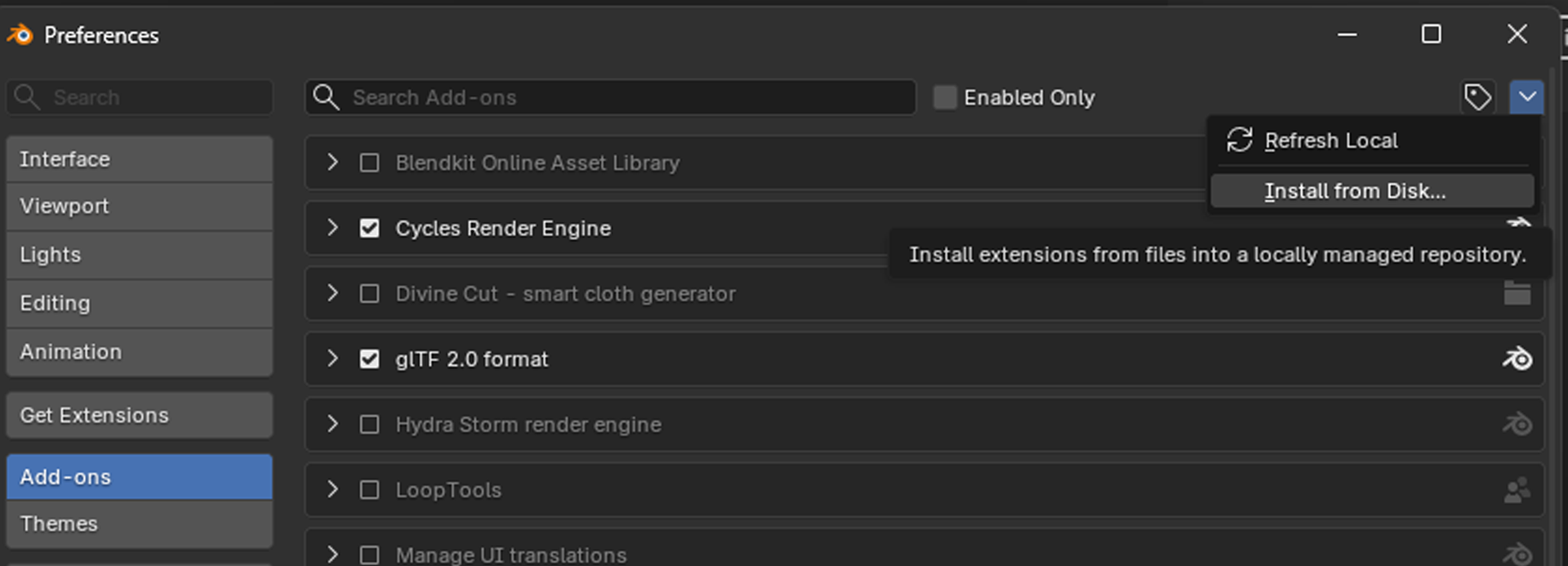
In Blender, open Edit → Preferences → Add-ons, click Install, and select twirl_connect.zip.
Enable twirl Connect in the add-ons list.
- 3
Enable twirl Connect
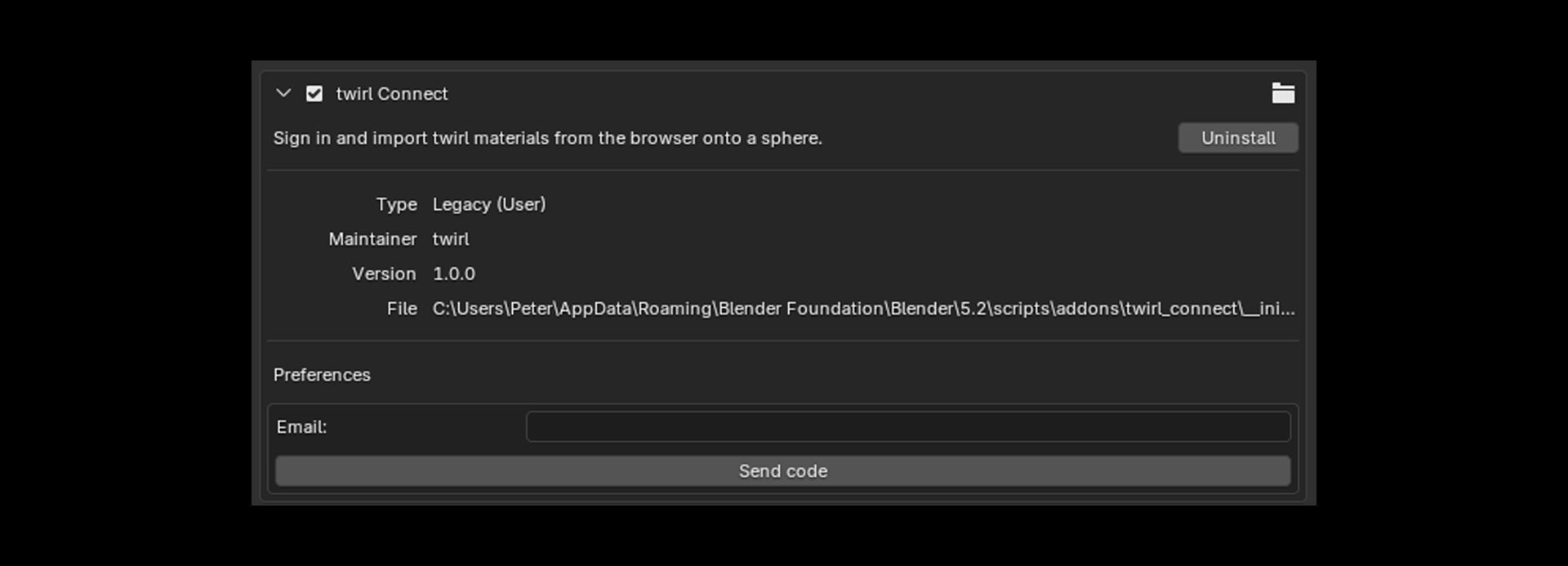
Search for twirl Connect in the add-ons list and turn it on.
- 4
Sign in
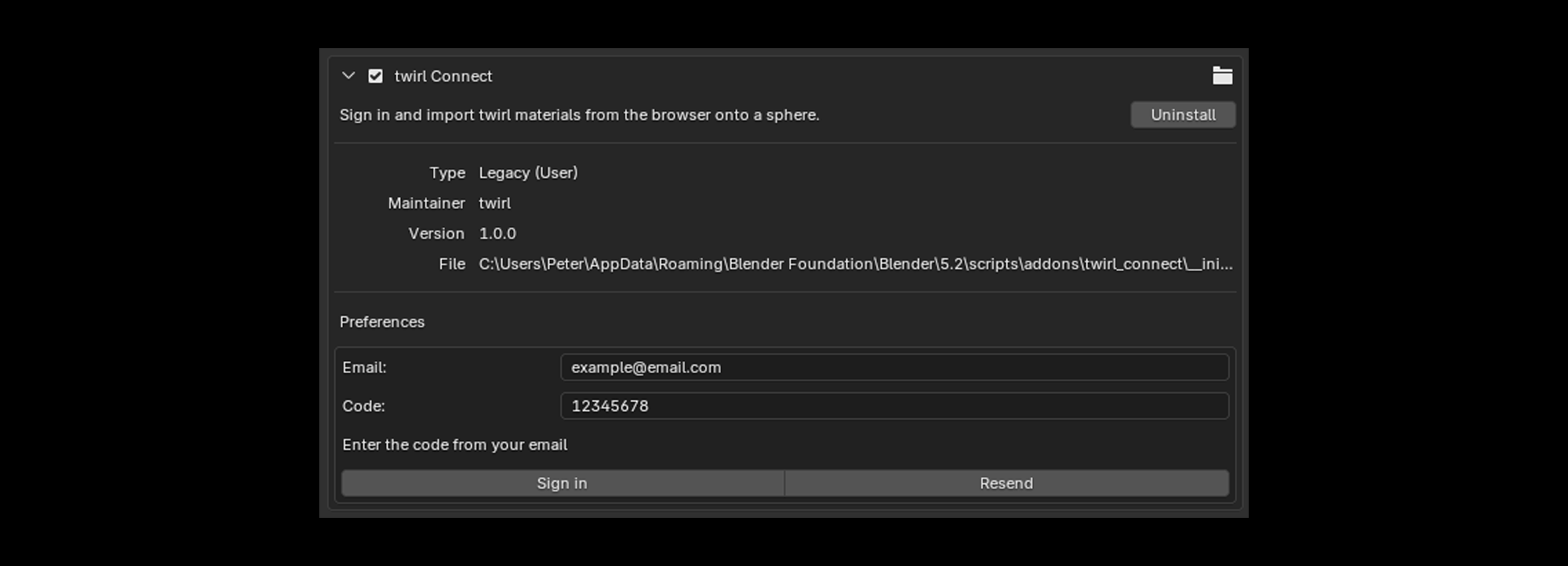
Expand twirl Connect in Preferences. Enter your twirl email, send the code, then paste the code from your inbox.
Leave Blender open after sign-in so the browser can detect your session.
- 5
Import from twirl.tools
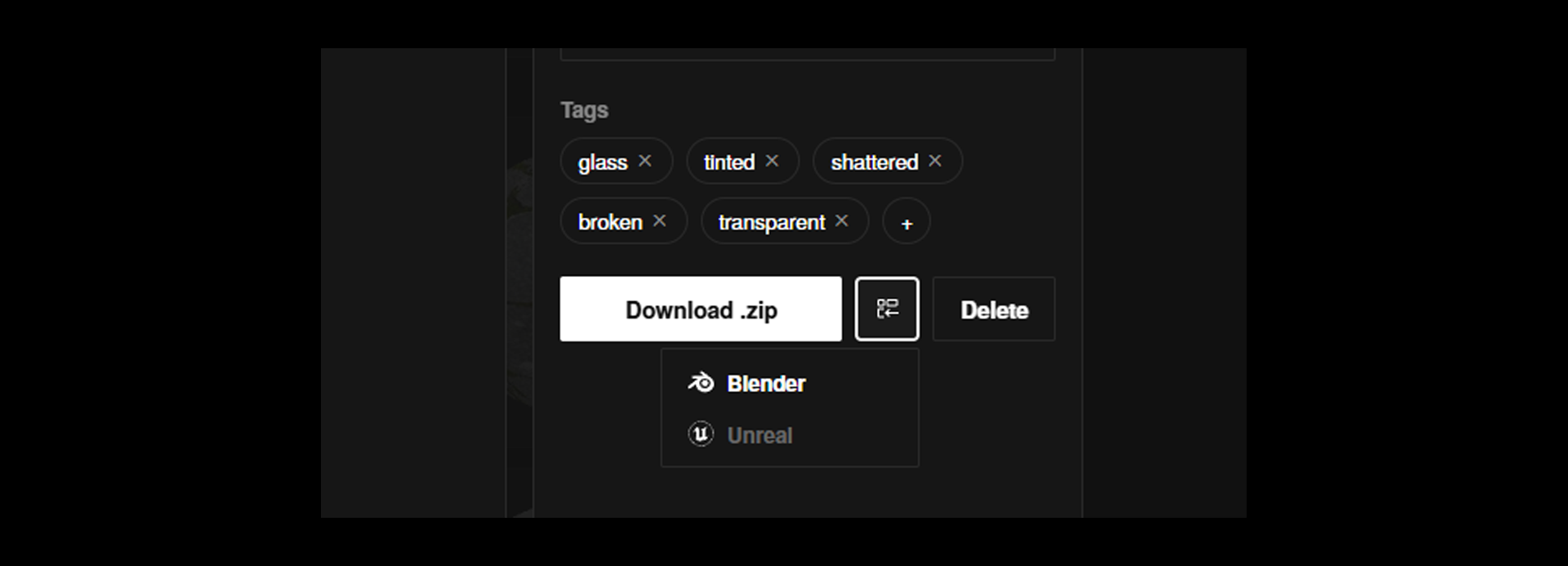
On twirl.tools, open a completed material. Click Import next to Download, then choose Blender.
If more than one Blender file is open, pick which .blend file should receive the import.
- 6
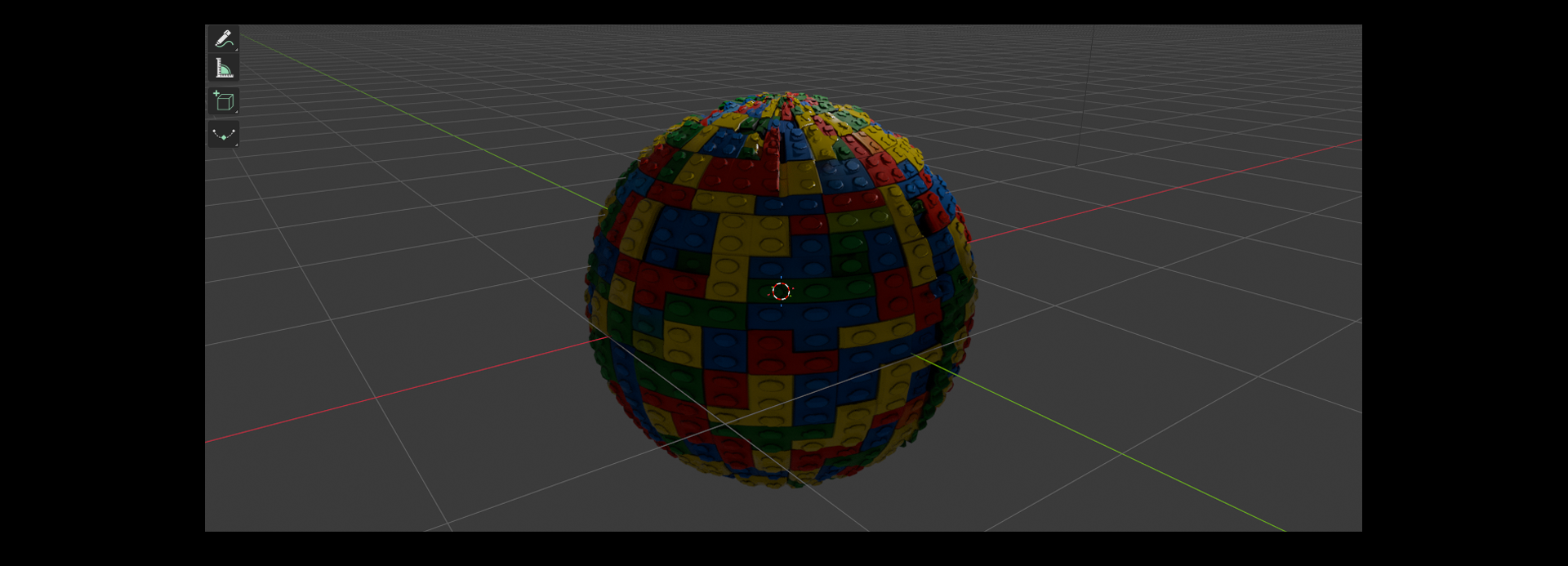
Imported sphere
Blender creates a new UV sphere with the PBR maps connected. Displacement uses Displacement and Bump when a height map is included.
Try an import
Open a public material after setup and use Import → Blender in the preview.
Frequently asked questions
Which Blender versions are supported?
Blender 3.6 and newer.
Why does the browser ask me to pick a Blender file?
twirl Connect registers each open Blender session separately. If multiple .blend files are connected, choose which one should receive the import.
Can I still download maps manually?
Yes. Download .zip on any material page works without the add-on.